Should You Play Hogwarts Legacy With a Controller or Mouse and Keyboard?
In Hogwarts Legacy, players must live their lives as a wizard or witch would, which means they will have to master riding a broom and casting several spells, whether it’s to solve puzzles or aid them in combat.

Hogwarts Legacy: Best Outfits, Ranked
Hogwarts Legacy allows players to find the perfect outfit to help them on their journey, and these are some of the best options to pick from.
Hogwarts Legacy can be played using a controller or mouse and keyboard, and it is up to players to decide which method works for them, as long as their preferred platform is compatible with the chosen method. This guide will help players decide if they should drop their keyboard for a controller and vice versa.
How Should You Play Hogwarts Legacy: Controller or Mouse and Keyboard?
Hogwarts Legacy is a game that allows players to pick between using a controller or a mouse and keyboard. The choice is ultimately up to them, but if they’re not having the best time with one, it might be time for them to switch to the other.
Using a mouse and keyboard provides advantages in many games, as it is much faster to sort inventories and look through menus. However, a controller can be much simpler to master, as it doesn’t require players to memorize as many keybinds or require high dexterity to reach certain areas of the keyboard.
Of course, this is subjective, and gamers who are used to playing games using a keyboard might find it easier to control their character and use the UI this way rather than with a controller. However, players who are used to using both methods will most likely prefer to play through Hogwarts Legacy with a controller, due to it being a single-player gaming experience, and the fact that spell selection can be much easier this way.
How to Change Keybinds in Hogwarts Legacy
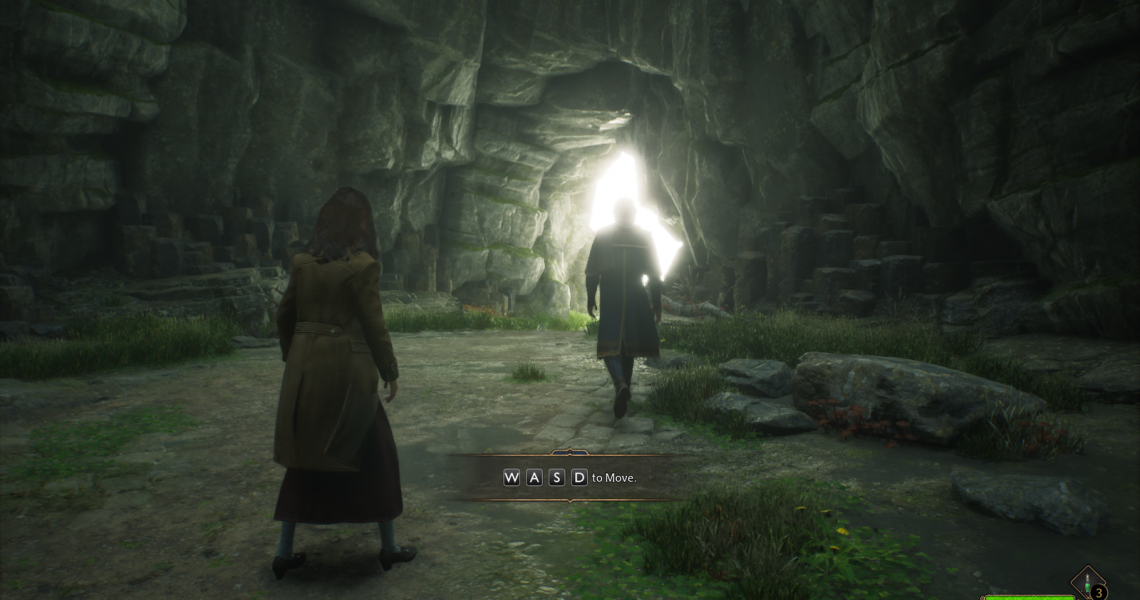
Players can change their keybinds to meet their preferences by pausing Hogwarts Legacy in-game and opening the PC Control Options (mouse icon). Those using a controller can check out where each button is mapped by opening the Control Options tab (controller icon).
Additionally, gamers can further customize how it feels to control the game by opening the Gameplay Options (controller and gear icon) and modifying settings such as sensitivity, camera speed, and ADS.

- Released
-
February 10, 2023
- ESRB
-
T For Teen Due To Blood, Fantasy Violence, Mild Language, Use of Alcohol