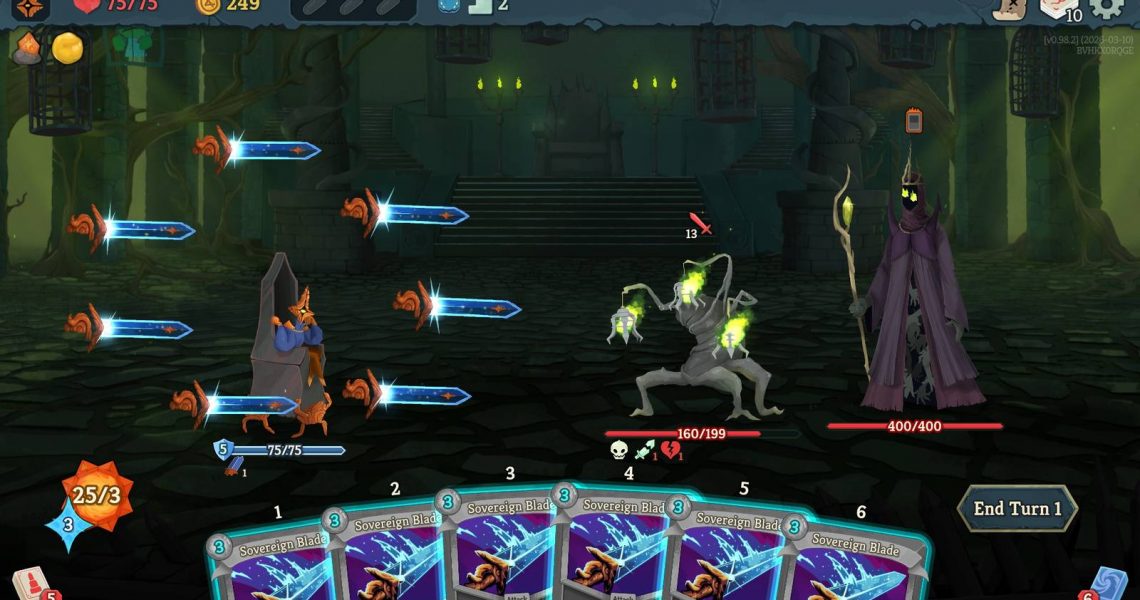

Cheats and console commands for Slay the Spire 2 do exist, but before players can use any of them, they’ll first need to install a third-party mod that enables the in-game dev console. Once the mod is installed, it’s only a matter of putting in the right codes and watching the magic happen during your next Slay the Spire 2 run.

Slay the Spire 2: Howl From Beyond, Explained
Find out what ‘plays from the Exhaust Pile’ actually means.
How to Enable the Slay the Spire 2 Dev Console

As of writing, players need to install a mod simply called DevConsole, created by Tbonex28b over at NexusMods. Download the mod from the website, copy the freshly-downloaded sts2.dll file, then paste it inside the following address on your computer:
-
/steamapps/common/Slay the Spire 2/data_sts2_windows_x86_64
You can quickly navigate to your game’s installation folder by right-clicking it on your Steam library and selecting the Browse Local Files option.
When prompted to replace an existing file, click Replace, then you should be good to go. Keep in mind that since this is a mod, it may stop working when the game gets patched. In that case, check the NexusMods page again for updates, or delete the sts2.dll and verify Slay the Spire 2 in your Steam library.
GameRant is not affiliated with NexusMods or the creator of this mod.
All Console Commands for Slay the Spire 2

After you install the mod, fire up the game, and you should be able to open the developer console by pressing the Tilde (~) key or Shift+8. You can find an in-game list of all console commands by typing “help” (without the quotation marks).
There are a few commands that require you to input IDs. Some use the names of things as displayed in-game (i.e. card names and event names), while others use less obvious IDs. Either way, you can find ID names by pressing Tab while you have one such command already typed into the console (i.e. type “fight” then press Tab).
|
Slay the Spire 2 Cheats |
|
|---|---|
|
Command |
Effect |
|
achievement |
Unlock or revoke a specified achievement. If nothing is specified unlock/revoke everything. |
|
act (1-3) |
Skip to the specified act. |
|
ancient |
Jump to an Ancient reward event. |
|
art |
Lists all content of a specified type (affliction, card, etc) that is missing art. |
|
block (block value) (enemy position) |
Add Block to the player or specified target (i.e. Block 100 applies 100 Block to you. Block 100 1 applies 100 Block to the first enemy you’re facing). |
|
card |
Spawns a card in a pile (Hand by default). Add a number after the card name to specificy which pile a card is added (1-4). |
|
cloud |
Deletes all StS 2 save files from Steam. |
|
damage (number) |
Inflict X damage to all enemies. |
|
die |
You die. |
|
draw (number) |
Draw X cards. |
|
dump |
Dumps Model IDs to console and logs. |
|
event |
Jumps to a specified event. |
|
fight |
Jump to a specified encounter. |
|
getlogs |
Gather all logs and automatically zip them. |
|
godmode |
Become invincible. |
|
gold |
Get a specified amount of gold. |
|
heal |
Heal for a specified amount. |
|
instant |
Turn on Instant mode. |
|
kill |
Kills a target. |
|
leaderboard |
Adds scores to the leaderboard. |
|
log |
Set log level for specific log types. |
|
multiplayer |
Opens the multiplayer menu. |
|
open |
Opens a common path for the local OS file browser. |
|
potion |
Adds a potion to your belt. |
|
relic |
Add or remove a specified relic to the player. |
|
remove_card |
Remove a card from your hand or deck. |
|
sentry |
Tests Sentry error reporting. |
|
stars |
Adds stars to the player. |
|
trailer |
Toggles the ability to show or hide UI elements (press 1-0 number keys) |
|
travel |
Travel to any room on the map. |
|
unlock |
Unlock everything in a specified category (or everything). |
|
upgrade |
Upgrade a specified card. |
|
win |
Win the current combat encounter. |
If you’re unsure what syntax a command uses, type it in the console and press Tab.