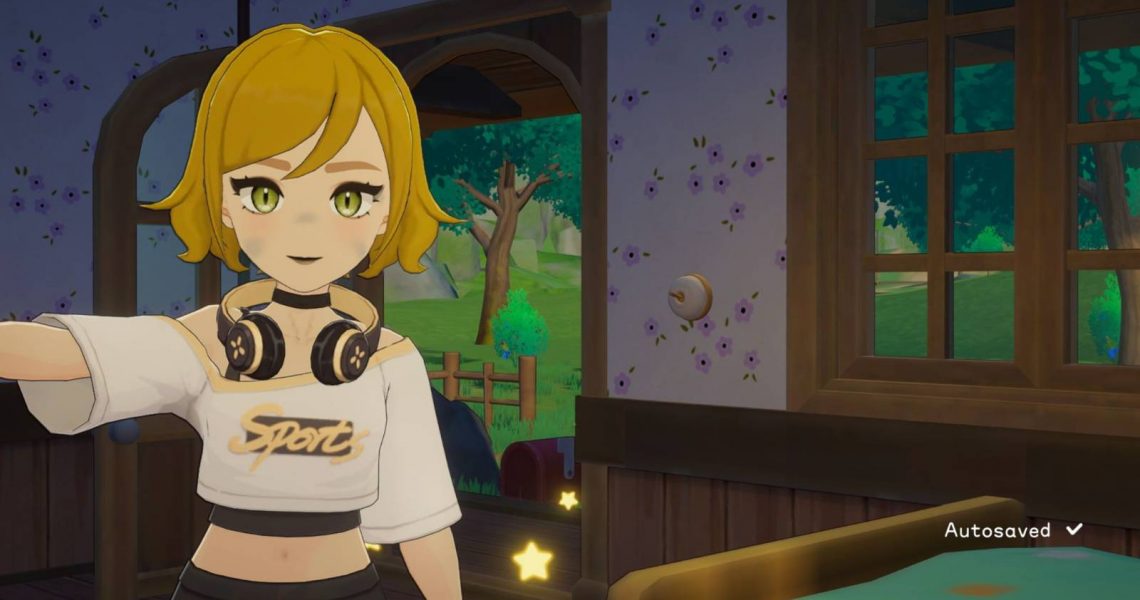
Saving is the most important feature for any game you might play. While playing Starsand Island, knowing how to save properly will ensure you never have to restart quests or redo your daily chores.
We’ll walk you through the manual and auto-saving options available in Starsand Island to make sure you’ll never have to worry about doing things twice.

How to Get Seeds in Starsand Island
Master the art of farming in Starsand Island with our guide on how to obtain seeds and start your garden.
How to Manually Save Your Game in Starsand Island
Starsand Island players can manually save their game in the menu opened by pressing the Escape Key. The game’s manual save button is the second button from the top of this menu. Press it once to initiate an auto-save.
Look in the lower right corner of your screen for a saving animation. Your save has successfully been completed when the word autosaved appears.
How to Roll Back to a Previous Save in Starsand Island
If players are unsatisfied with their day in Starsand Island, they can rewind their current save to a previous day. To do this, press the Escape Key to open the menu and select the Rollback to Previous Save option. In the rollback menu, choose which save you’d like to revert to.
If you’re thinking of rolling back the time in your game, you’ll want to keep the following things in mind:
- Players who perform a rollback will lose all the progress made after the save they rolled back to. You will not be able to return to your current save.
-
The rollback feature will allow players to go back seven days in the past at most.
- Returning to several days in the past will delete every save made after the chosen day.
Pay close attention to the days listed on each rollback tab. Make sure you understand which is your most recent save and which is your oldest, so you do not accidentally delete more progress than you intended.
How to Set Up Auto-Saves in Starsand Island
Using auto-save ensures that you won’t accidentally lose any progress while playing through Starsand Island. The auto-save feature can be adjusted by pressing tab to open your in-game phone and entering the Settings app. In this app, you’ll want to enter the Games tab represented by two connecting gears.
The final option at the bottom of the Game settings tab contains the Auto-Save Interval settings. Tap the yellow arrow on the right side of the Auto-Save Interval bar to choose how often you’d like the game to save.
An auto-save will be triggered when players sleep in a bed, return to the main menu, or exit the game.
How Often Does Starsand Island Auto-Save?

Starsand Island players will be able to set their Auto-Save Intervals in one of four given options. These options include the following intervals:
- 3 minutes
- 5 minutes
- 10 minutes
- 20 minutes

- Released
-
February 11, 2026
- Developer(s)
-
Seed Lab
- Publisher(s)
-
Seed Lab
- Multiplayer
-
Online Co-Op

