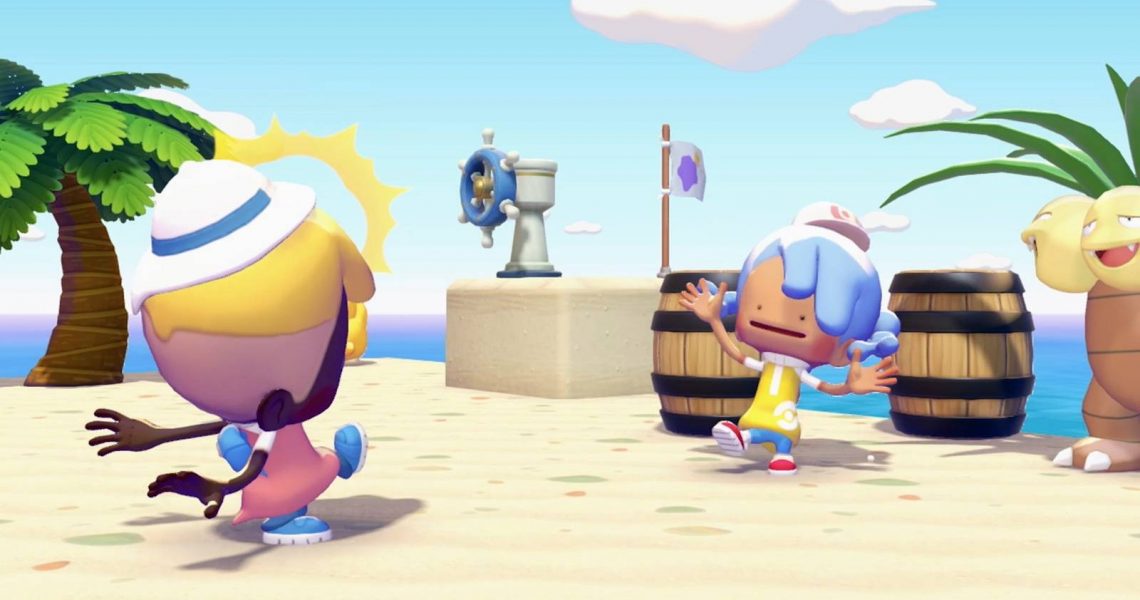

If you’re going to help restore the land and help Tangrowth with his dream of seeing it filled with Pokemon and humans again in Pokemon Pokopia, then you’re going to need some help. That’s where the different Pokemon you find by creating new biomes come in handy. Some will build structures, others can use their skills to help create new biomes or interact with the world in Pokopia. They won’t just follow you by default, though. If their habitat isn’t near where you need them to help you, you’ll need to ask them to follow you.

How to Break Rocks and Find Hitmonchan in Pokopia (Rock Smash)
Here’s how to find Hitmonchan a home to learn a new move for your character in Pokopia.
How to Get Pokemon to Follow You in Pokopia
If you need a Pokemon to come with you to take on a task or use their move, you can get them to follow you in two ways. The first is to walk over to them, press A to talk with them, and select the option to ‘Follow Me.’ The Pokemon will then come with you until you tell them to stop.

The alternative and much simpler way is to walk over to a Pokemon and press Up on the d-pad. This will skip the dialogue and have the Pokemon immediately follow you. You’ll know that this has worked properly, as both Ditto and the Pokemon you’re asking to follow you will emote/ react.
In most cases, when you’ve arrived at your destination, a Pokemon that is required for a task will automatically do what you need them to do without you needing to do anything else.
If you need a Pokemon to complete a building project, you’ll need to interact with the little signpost in front of the placed structure and then go to the Pokemon tab. As long as the Pokemon are nearby, you can select their outlines, and they’ll be assigned to the building project.
It’s worth noting that you can only have a maximum of five Pokemon following you at any given time in Pokopia. You’ll need to ask other Pokemon to stop following you if you need another one to join you wherever you’re venturing in the world.
How to Get Pokemon to Stop Following You in Pokopia
When you no longer need a Pokemon to follow you around, you can stand in front of it and press and hold up on the d-pad. This will dismiss them, and they’ll go back to their normal routine or pottering around the world. You can also speak to them and choose the option to have them stop following you if you’d prefer.

If you had a Pokemon follow you to help build something, they’ll automatically stop following you once they’ve completed the project.


- Released
-
March 5, 2026
- ESRB
-
Everyone / Users Interact, In-Game Purchases
