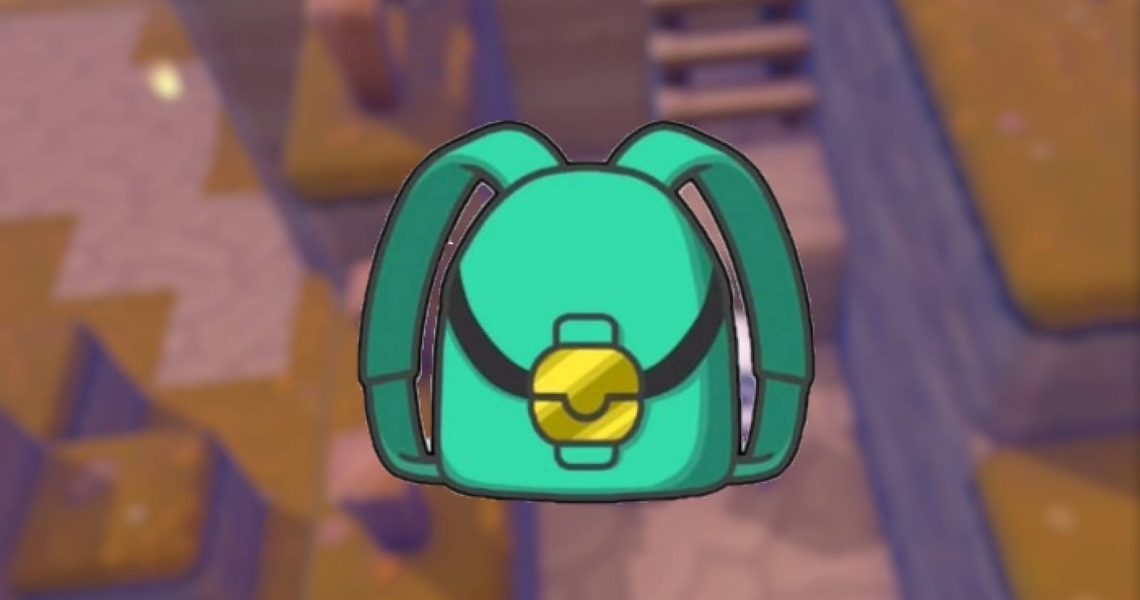
How to Get More Inventory Space in Pokemon Pokopia
From exploring to decorating or building Pokemon habitats, there are plenty of things to do in Pokemon Pokopia. To do all of this, gamers will have to move furniture and resources from one place to the other, quickly filling up their entire inventory with items.

How to Restore PP in Pokemon Pokopia
This guide will explain how to restore PP in Pokemon Pokopia so you can keep using your moves to reinvigorate the world.
So, it won’t be long until players find themselves wondering how they can increase their inventory in Pokemon Pokopia. This guide tells players what they need to know about gaining additional slots in their inventory, and it also explains how they can sort and manage it so it’s always organized to their liking.
How to Increase Inventory Space in Pokemon Pokopia
Players can increase their inventory space in Pokemon Pokopia by purchasing Packing Tips. The Packing Tips: Rookie upgrade is the first one that players can purchase. It becomes available once gamers hit Environment Level 2 in Withered Wasteland, and players can purchase it for 100 Life Coins on the PC.
Obtaining the Packing Tips: Rookie upgrade will increase gamers’ inventory space from 20 slots to 30 slots – a significant upgrade. If this still isn’t enough space, then players will have to store their extra items in a Storage Box. To craft a Storage Box, gamers will need 1 Lumber, which they can obtain by asking a Pokemon with the Chop ability to turn Small Logs into Lumber. As players progress, they will be able to get bigger storage boxes and more packing upgrades.
How to Manage Your Storage in Pokemon Pokopia

As players unlock more inventory slots and are able to carry more items on them, they may start to feel overwhelmed by the amount of stuff they have in storage. That’s why it’s good to learn how to manage your inventory and items in Pokemon Pokopia.
Players can automatically sort their inventory or storage boxes by product type simply by holding down X. However, they can do it manually by hovering over an item and pressing X to grab it. Then, all they need to do is grab it, drag it to another slot, and replace it. They must then put the other item wherever they had their initial item or swap it with another one.


- Released
-
March 5, 2026
- ESRB
-
Everyone / Users Interact, In-Game Purchases
