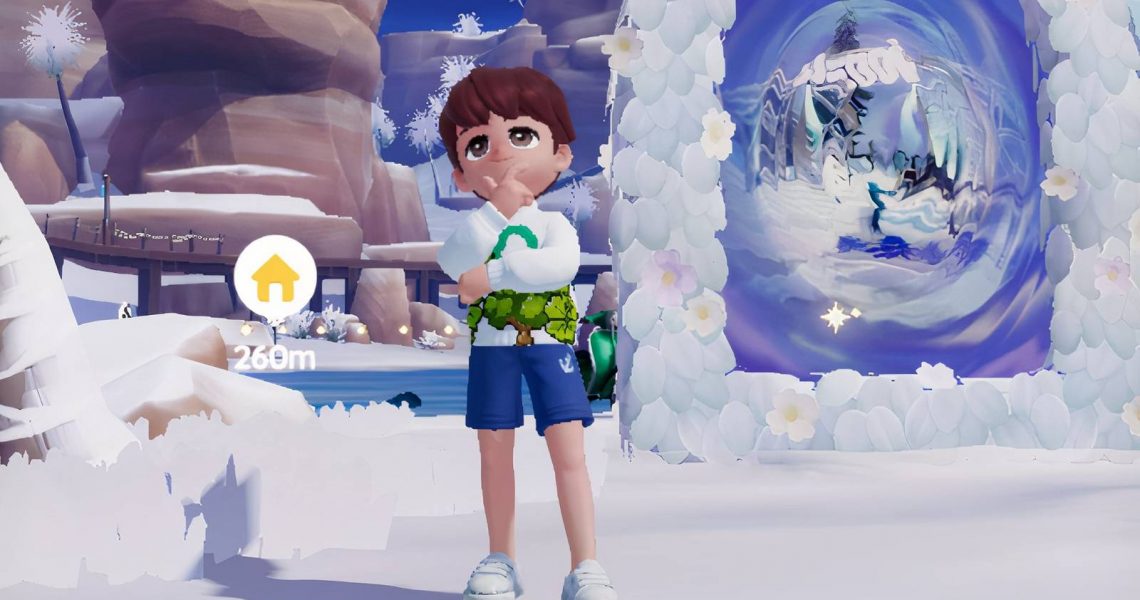
How to Get Emotes & Solo Actions in Heartopia
Heartopia is way more fun when you are playing with friends. Building fancy houses together and participating in events makes the game feel even more alive. But after some time, you might notice that chatting feels a little limited. There’s no voice chat, only text, which can make conversations feel a bit quiet.
That’s where emotes and solo actions really help. They allow Heartopians to communicate without typing a single word. There’s an emote or solo action for almost every mood, and some of the animations are surprisingly funny. If you are wondering how to use emotes and solo actions in Heartopia and how to unlock more of them, here’s what you need to know.

How to Unlock Penguins in Heartopia
Penguins are the most adorable additions in Heartopia’s Winter Frost Event. Here’s how you can unlock them.
How to Buy Emotes and Solo Actions in Heartopia

If you want more emotes and solo actions, you will need to visit Annie. She runs the Music and Friendship stores in Heartopia. You can find her in Central Square next to the big whale statue.
Once you talk to her, open the chat menu and select Store, then choose Friendship Store. That’s where all the emotes and solo actions are listed. Fans can scroll through them, see their prices, and buy the ones they like.
Here’s what you can buy:
|
Solo Actions |
Emotes |
|---|---|
|
Happy |
Doze |
|
Chuckle |
LOL |
|
Smug |
Tears of Joy |
|
Act Cute |
Shocked |
|
Hand Heart |
Okay |
|
Follow Me |
Nope |
|
Expect |
Think |
|
Think |
Work |
|
Shocked |
Upset |
|
Awkward |
Angry |
|
Nervous |
Petrified |
|
Sad |
Sweat |
|
Sigh |
Let’s Go |
|
Hungry |
Eat Fries |
|
Angry |
|
|
Punch |
|
|
Sit Down |
|
|
Lie Down |
|
|
Squat Down |
Solo actions cost 6,000 Gold Coins each, while emotes cost 3,000 Coins. Every now and then, you will find a few offered at a discounted rate.
Annie is not the only vendor who sells them. There’s also a secret vendor named Doris. However, she only appears during certain weather conditions, and her location changes depending on the weather.
How to Perform Emotes and Solo Actions in Heartopia

Performing emotes and solo actions is simple. Heartopia players will need to click the smiley icon at the bottom of the screen. This will open the emote menu.
From there, Heartopians can switch between the emotes section and the solo actions section. Click the one you like, and your character will perform it.



- Released
-
January 8, 2026
- Developer(s)
-
XD
- Publisher(s)
-
XD
- Number of Players
-
Single-player
- Steam Deck Compatibility
-
Unknown