Protect/Destroy Contract Guide in Marathon
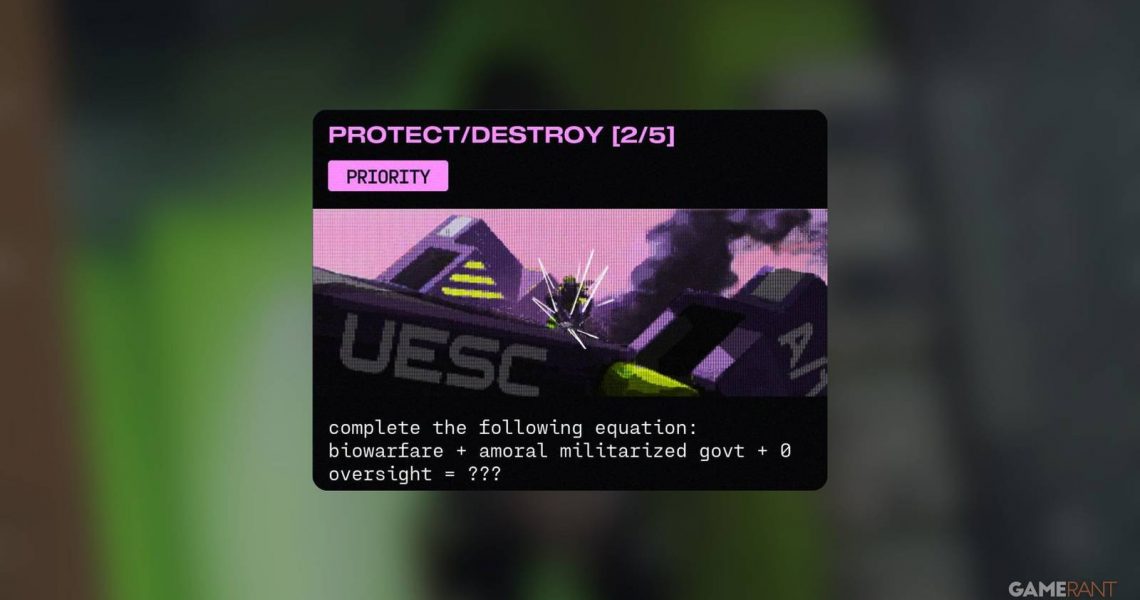
Protect/Destroy 2 in Marathon is one of Gantry’s contracts that players can pick up through the Mida faction. Like the other missions in the Protect/Destroy chain, it must be completed in a single run; otherwise, progress will reset. This contract has three objectives that involve downloading malware, submitting a dropship request, and uploading that malware onto the ship.
The entire mission takes place across the western and southwestern areas of Marathon‘s Dire Marsh map. While it is considered one of the easier contracts in the series, the lack of map markers can still make the objectives confusing to locate.

How to Self Revive in Marathon
Self Reviving is a crucial mechanic in Marathon that will be extremely helpful for players who’re going into a raid solo, here’s how to do it.
How to Complete Protect/Destroy 2 in Marathon
Downloading Malware from Terminal in West Gate
After spawning onto the map, head toward West Gate, which is located directly north of Quarantine on the Dire Marsh map. Once there, look for the gatehouse, a blue building whose main entrance cannot be opened.
Instead of trying to enter through the front, go around the building to find a ladder that leads to the roof. Climb up and look for a vent on the side of the structure. Break the vent with a melee attack and crawl inside to drop into the building. From here, make your way down toward the lower floor.
Be careful of the laser tripwires placed throughout the interior. Triggering them will temporarily disable your ability regeneration, which can leave you vulnerable if enemies appear.

On the first floor, you will find a NuCaloric red terminal inside the room on your right. Interact with it to download the malware, completing the first objective of the contract.
Submitting a Dropship Request & Uploading Malware
For the second objective, head to the area south of Canal. Here you will find a small white building, and you need to go to the upper floor of this building and interact with the terminal to submit the dropship request. As soon as the request is sent, the dropship will arrive and land right outside.
Your next task is to get on top of the ship and upload the malware. If you are using the Thief Runner Shell, this step becomes easier because her Grapple Device allows quick access to higher platforms. Her Pickpocket Drone can also help scout the area for enemy players before you commit to the upload.
If you are playing a different Runner Shell, climb onto the roof of the white building and jump from there onto the dropship. Once on top, interact with the upload point to complete the final objective. Be cautious while climbing, as UESC enemies often patrol the area, and other Runners may also be around while you are doing this stage of the contract.

After completing the mission, extract from any available Exfil point and return to Gantry to receive the following rewards:
- 8XS Ammo Pack
- Claymore Mine ×3
- Trap Pack
- Heat Grenade ×2
- Unstable Lead ×3
- Faction Intel
- Credits ×1500

- Released
-
March 5, 2026
- ESRB
-
Teen / Animated Blood, Language, Violence, In-Game Purchases, Users Interact
- Multiplayer
-
Online Multiplayer, Online Co-Op